
Study and Master
Anytime, Anywhere
Transform your learning with AI-powered flashcards. Generate smart study cards instantly from text, images, or documents.
Unlock Your Full Learning Potential
Get unlimited access to AI-powered features and advanced tools to accelerate your learning journey
Unlimited Study Sessions
Study as much as you want with unlimited practice sessions. No limits on how often or how long you can review your flashcards.
Unlimited AI Generations*
Generate as many flashcards as you need with AI. Simply describe what you want to learn and we'll generate the flashcards for you.
Unlimited Image Scans*
Convert materials from your photos & screenshots to flashcards with AI.
Unlimited Document Import*
Import flashcards from PDF to quickly create decks.
Daily Goals & Reminders
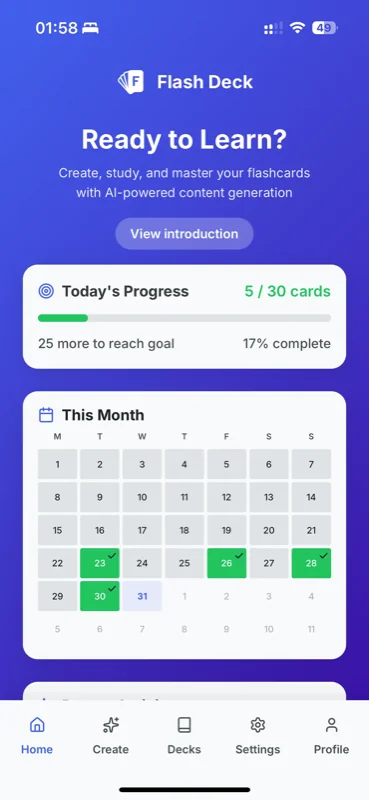
Set daily study goals and receive helpful reminders to stay on track with your learning journey.
Study Streaks & Achievements
Track your progress with streaks, badges, and achievements to stay motivated.
Export to Anki/Quizlet
Export your flashcards to popular formats for use in other study apps.
Coming SoonMobile & Tablet Support
Our app is fully optimized for both mobile phones and tablets, giving you the flexibility to learn wherever you are.
Deck Public Share
Share your decks with friends and classmates. They can study your flashcards even without creating an account.
Text-to-Speech Support
Listen to your flashcards read aloud. Perfect for auditory learners and hands-free studying.
Dark Mode Support
Switch to dark mode for comfortable evening study sessions and reduced eye strain.
CSV & JSON File Support
Use .csv and .json files to quickly create and share large decks.
* Soft limits apply, meaning most users never hit the limit. If you need more, just request it and we'll accommodate you.
Card Creation
Supported
Retention
Created
Less Time Creating, More Time Retaining
Experience seamless flashcard creation, intuitive deck organization, and instant study sessions. From AI-powered generation to manual entry, create comprehensive study decks in minutes. Then dive into focused study sessions that adapt to your pace, amplifying your learning efficiency and retention.
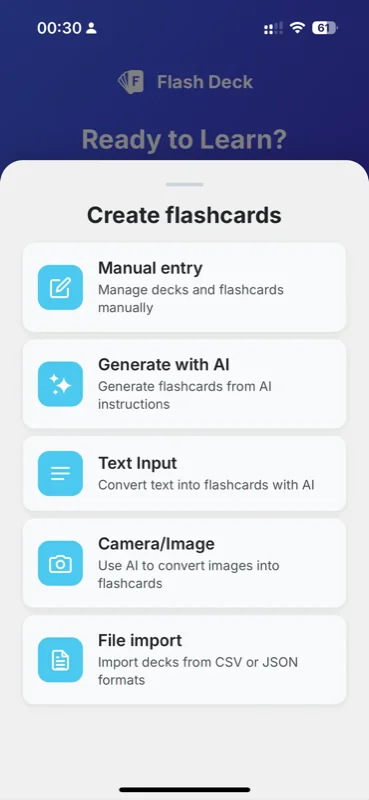
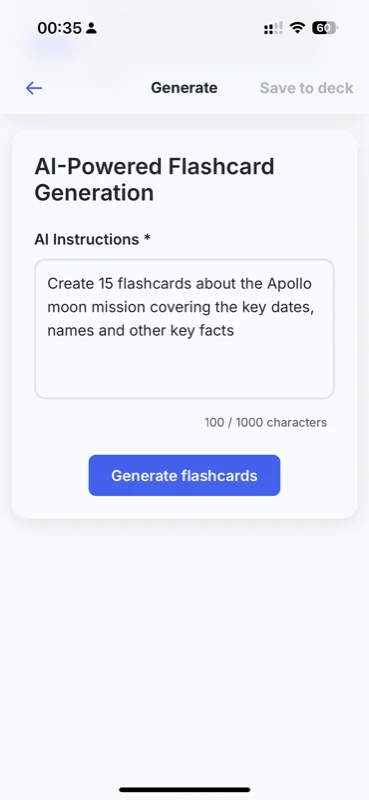
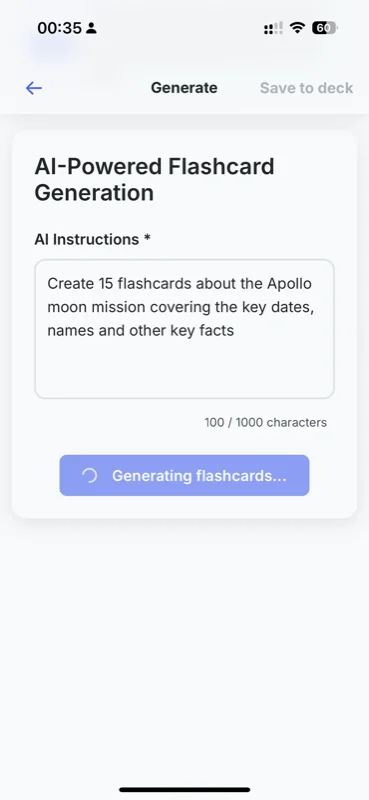
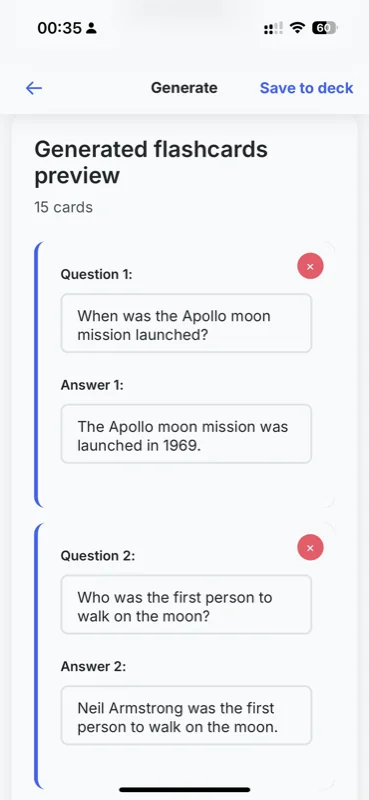
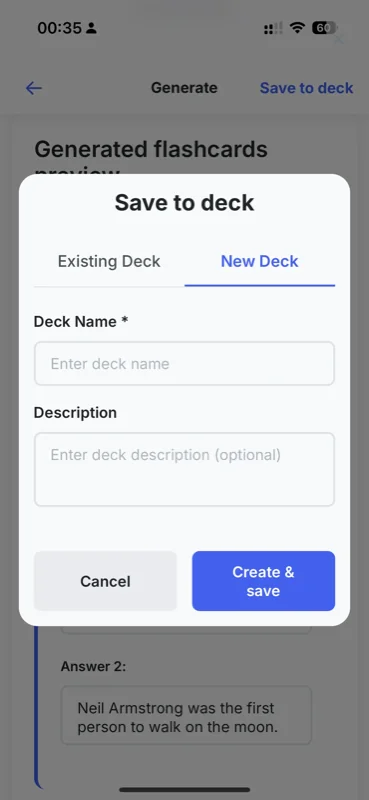
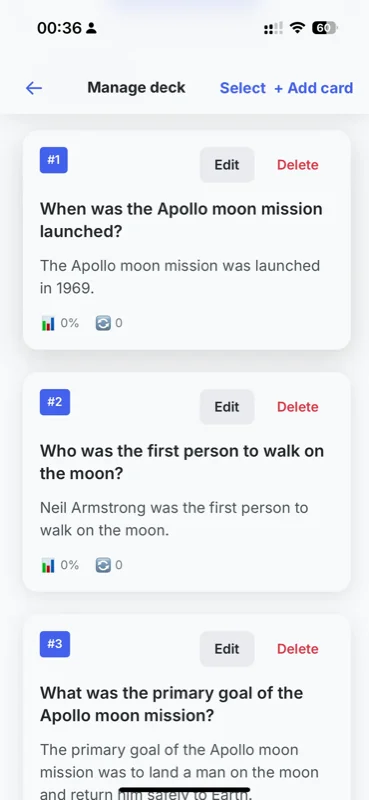
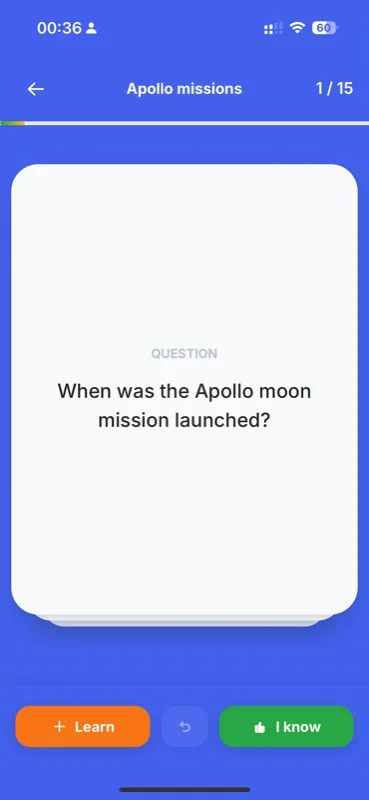
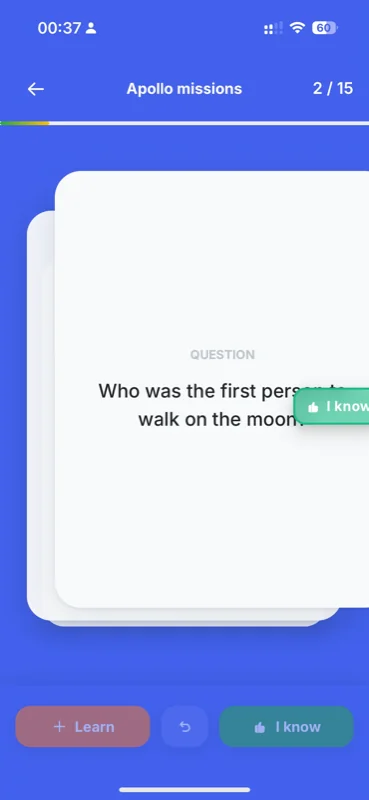
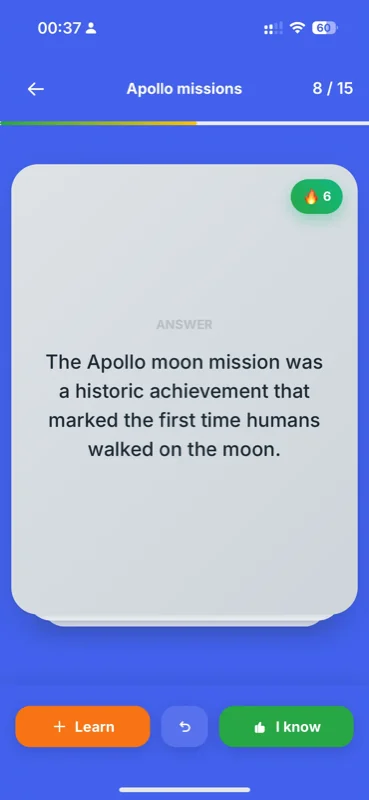
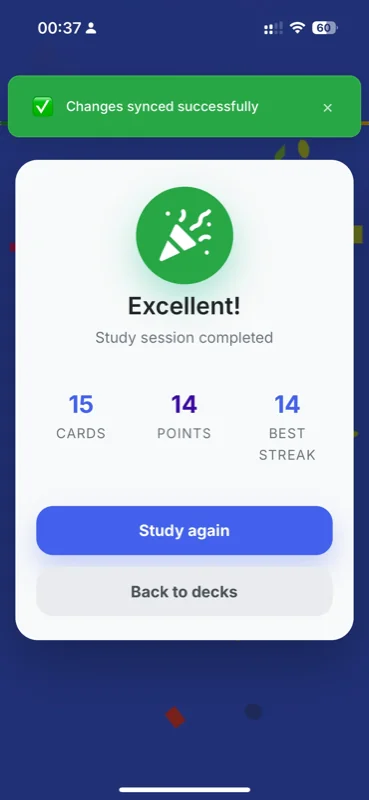
Your Path to Real Results: Effortless & Effective
Transform your study potential into performance. Witness the real results that our tool brings to the table, amplifying learning and retention.
Choose Your Plan
Start free or upgrade to unlock unlimited AI-powered features
- Spaced repetition
- 5 AI generations/month
- 5 Document imports/month
- 5 Image scans/month
- 100 Free card slots
- Basic statistics
- Unlimited AI generations *
- Unlimited Document imports *
- Unlimited Image scans *
- CSV import/export
- Unlimited study sessions
- Priority support
Pro is available on both web and in our app. If you prefer the app experience over the web, download our iOS app—your subscription syncs across both when you sign in with the same account.

App Store is a trademark of Apple Inc.
Free vs Pro Comparison
| Feature | Free | Pro |
|---|---|---|
| Unlimited Study Sessions | ||
| Spaced Repetition Algorithm | ||
| Daily Goals & Reminders | ||
| Mobile and Tablet Support | ||
| Deck sharing | ||
| Manual Flashcard Creation | 100 free card slots | Unlimited * |
| AI Generations | 5 AI Sparks/month | Unlimited * |
| Image scans | 5 AI Sparks/month | Unlimited * |
| Document import (PDF, JPG, PNG, GIF, WebP) | 5 AI Sparks/month | Unlimited * |
| Offline study mode | ||
| CSV & JSON Import | ||
| Unlimited Study Sessions | ||
| Export to Anki/Quizlet (Coming Soon) | ||
| Priority Support |
* Soft limits apply meaning most users never hit the limit. If you need more, just request it and we'll accommodate you.
What Our Students Say About Us
Our integrated AI-powered features foster unparalleled learning, allowing seamless flashcard creation and study sessions
Empower Your Institution with Branded Learning Technology
Flash Deck offers tailored solutions for music schools, universities, and corporate training centers. Integrate our AI-powered spaced repetition engine into your existing ecosystem or launch a fully branded version of the app to provide your students with a cutting-edge study tool.
Contact Sales
Partner with Flash Deck
Elevate Your Educational Ecosystem with AI-Powered Learning
Empower your students and faculty with the most efficient spaced-repetition tool on the market. Whether you need a simple license volume for your classroom or a fully branded mobile experience, we have a solution that scales with your institution.
Select Your Partnership Model
Institutional Licenses
Best for: Schools, Universities, & Language Centers.
Provide your students with official Pro Access. No technical setup required—simply manage seat volume via a central dashboard.
- Bulk discount pricing
- Centralized billing
- Student progress analytics
Content Partnership
Best for: Music Schools, Course Creators, & Professional Tutors.
Partner with us to host and monetize your unique curriculum. We turn your PDFs and lecture notes into Official Study Decks.
- Revenue sharing on premium decks
- Dedicated "Creator Profile"
- Direct student engagement
Full Whitelabeling
Best for: Large Enterprises & Established Educational Brands.
Your brand, our engine. A standalone version of Flash Deck with your logo, colors, and identity on the App Store & Google Play.
- Custom UI/UX branding
- Priority feature development
- Exclusive database hosting
Why Trust Flash Deck
Built with Precision & Privacy
Based in Europe, we prioritize the security of your students' data above all else. Flash Deck is fully GDPR Compliant, ensuring that educational data stays private and secure under the strictest European standards.
Ready to Transform Your Curriculum?
Flash Deck isn't just an app; it's an Ops-driven efficiency tool for the modern classroom. Reduce the manual labor of card creation and let your students focus on what matters: mastery.
Frequently Asked Questions
Get in Touch
Have a question, suggestion, or need help? Send us a message and we'll get back to you as soon as possible.
Ready to Accelerate Your Learning?
Join students who are already using Pro to study smarter and faster. Start your Pro subscription today and unlock unlimited learning potential.